From the whole area to a single component
Assets, technical components and their tasks share one structure. Documents, spare parts and history stay with the relevant object.
 Software that works with you.
MOUNTAINOFFICE EXPERT
Software that connects your workflows and supports your team every day. Discover the possibilities in a personal presentation.
MOUNTAINOFFICE · INSIDE THE SOFTWARE
Explore the tools behind a well-organised mountain operation. Choose an area and take a closer look at the real application.
Assets, technical components and their tasks share one structure. Documents, spare parts and history stay with the relevant object.
Lifts are just the beginning. Snowmaking, buildings, vehicles, slopes and other operational areas can all be organised in the structure.
Original German interface · Screens show example configurations and recorded data.
WITH YOUR TEAM, ON SITE
At the station, in the workshop or out in the ski area: use the mobile views to find assigned work, check an asset’s status and navigate your area.
MOUNTAINOFFICE · 7 HIGHLIGHTS
From the whole area to a component, from the operating day to the accident file. Discover how MountainOffice brings your operation together.
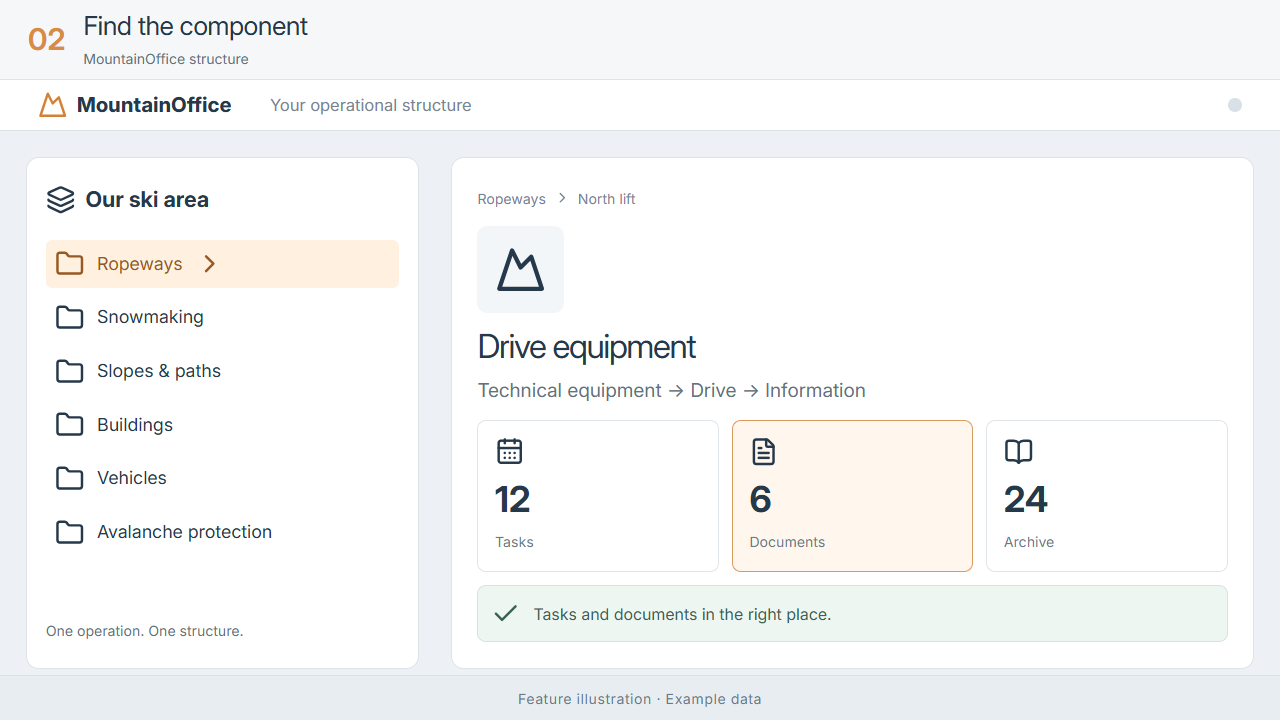
Your team finds the context as well as the file: which asset it belongs to, what work is due and what has already been done.
Explore the feature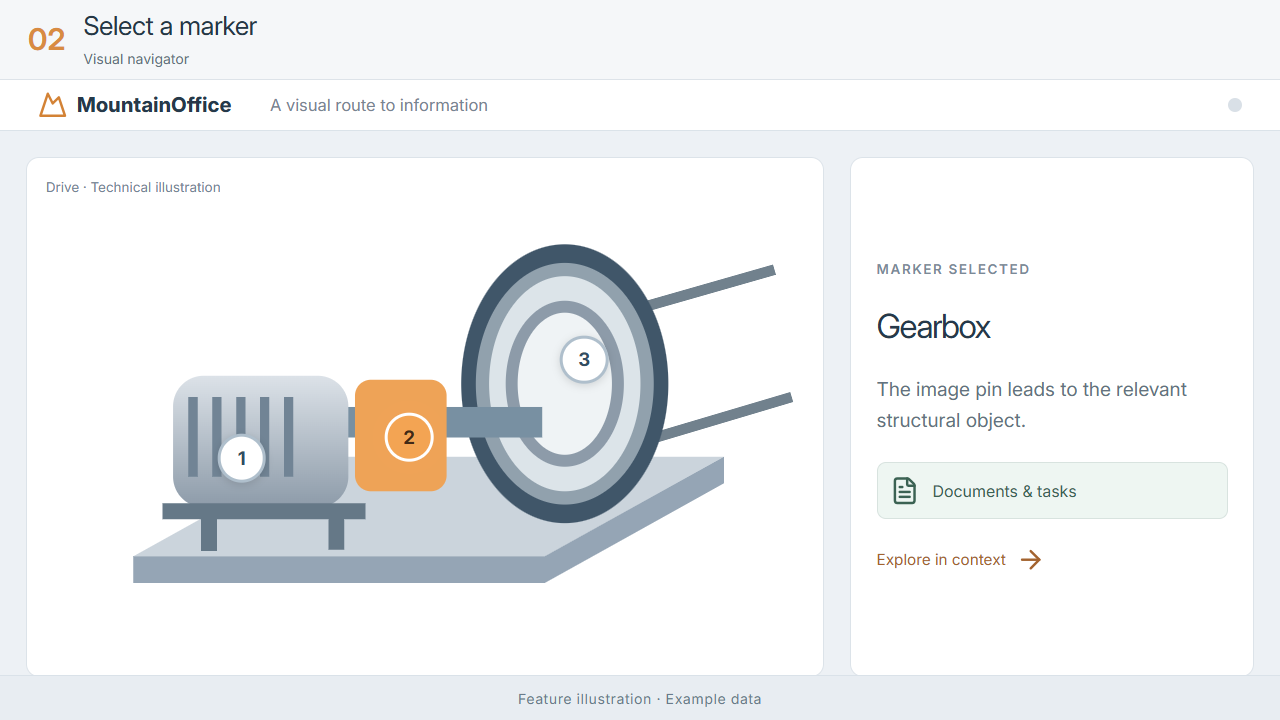
Recognising a component becomes a way to find its information, supporting orientation on site and staff onboarding.
Explore the feature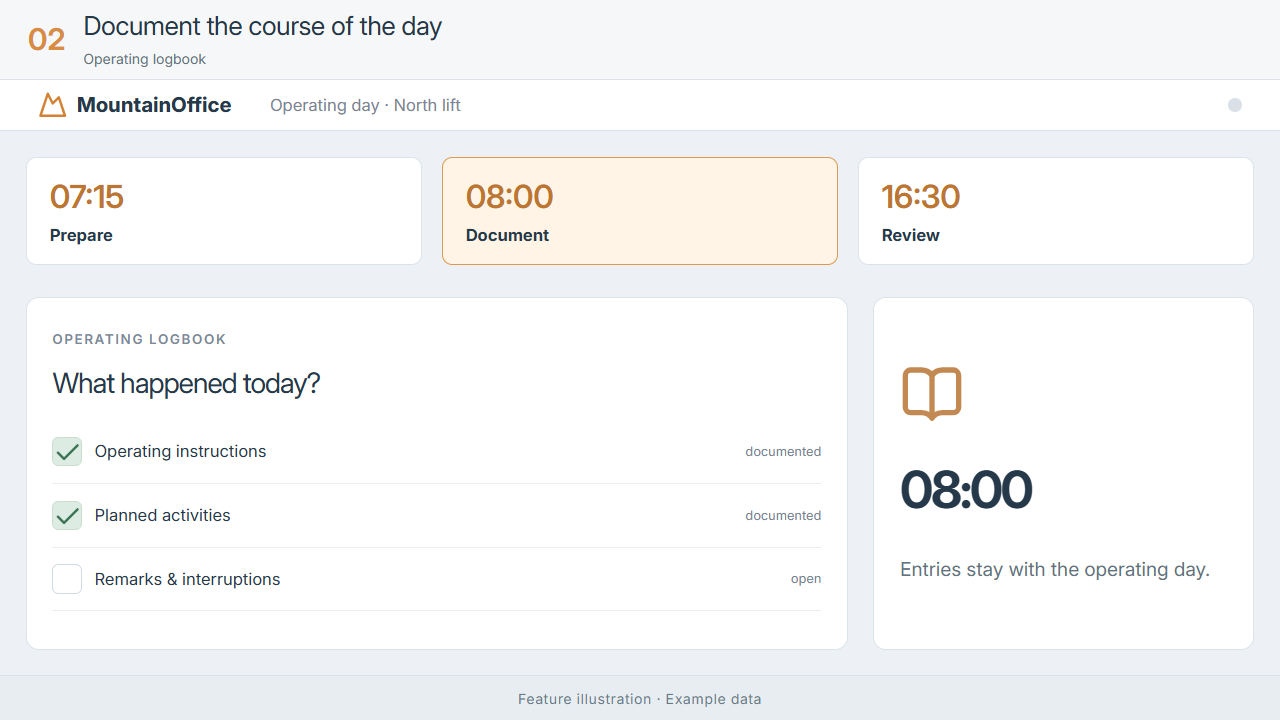
Managers and staff can review the day’s status and discuss outstanding items with a shared picture.
Explore the feature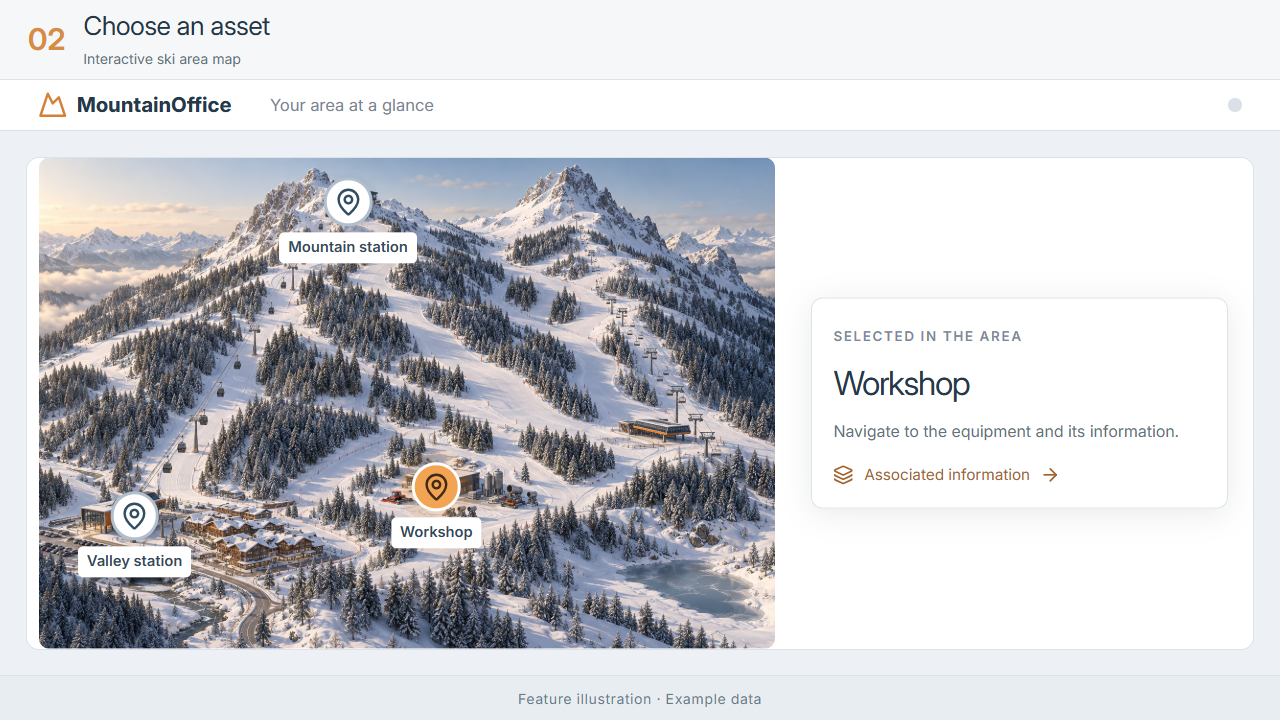
Move from a spatial overview to the right asset, especially when facilities are spread across a large area.
Explore the feature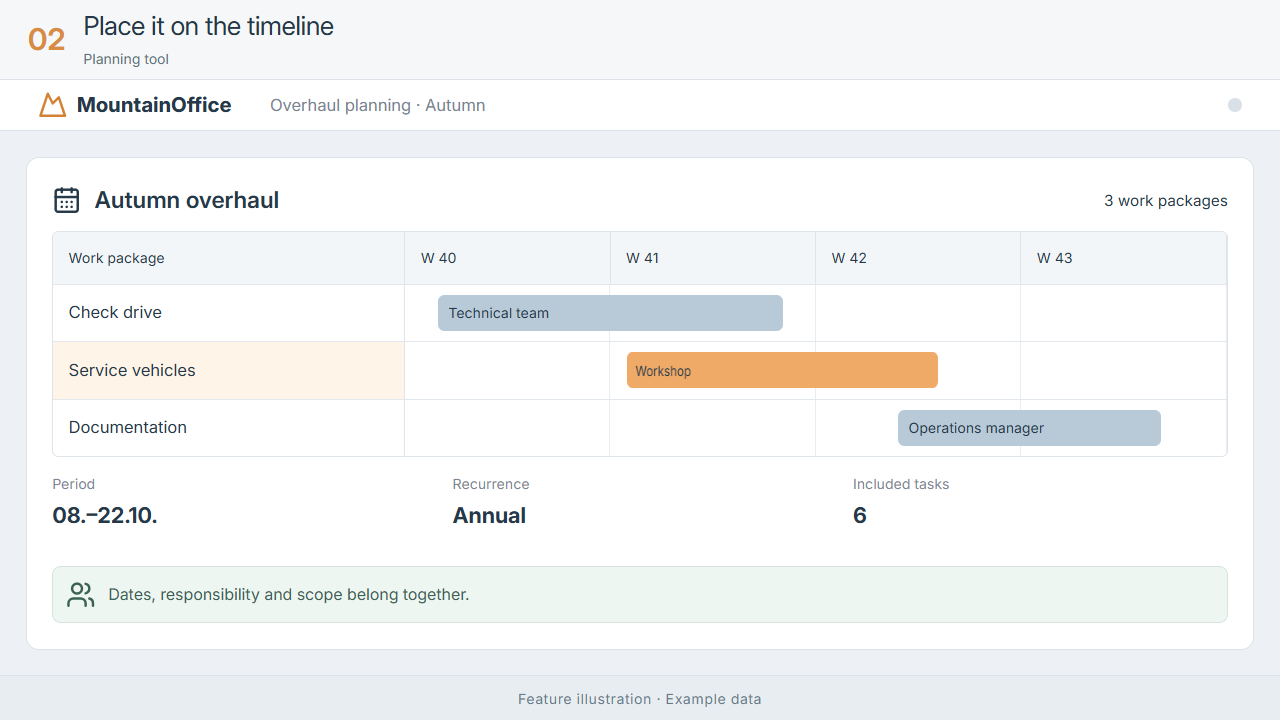
Your team can see when each package is scheduled and how far its tasks have progressed.
Explore the feature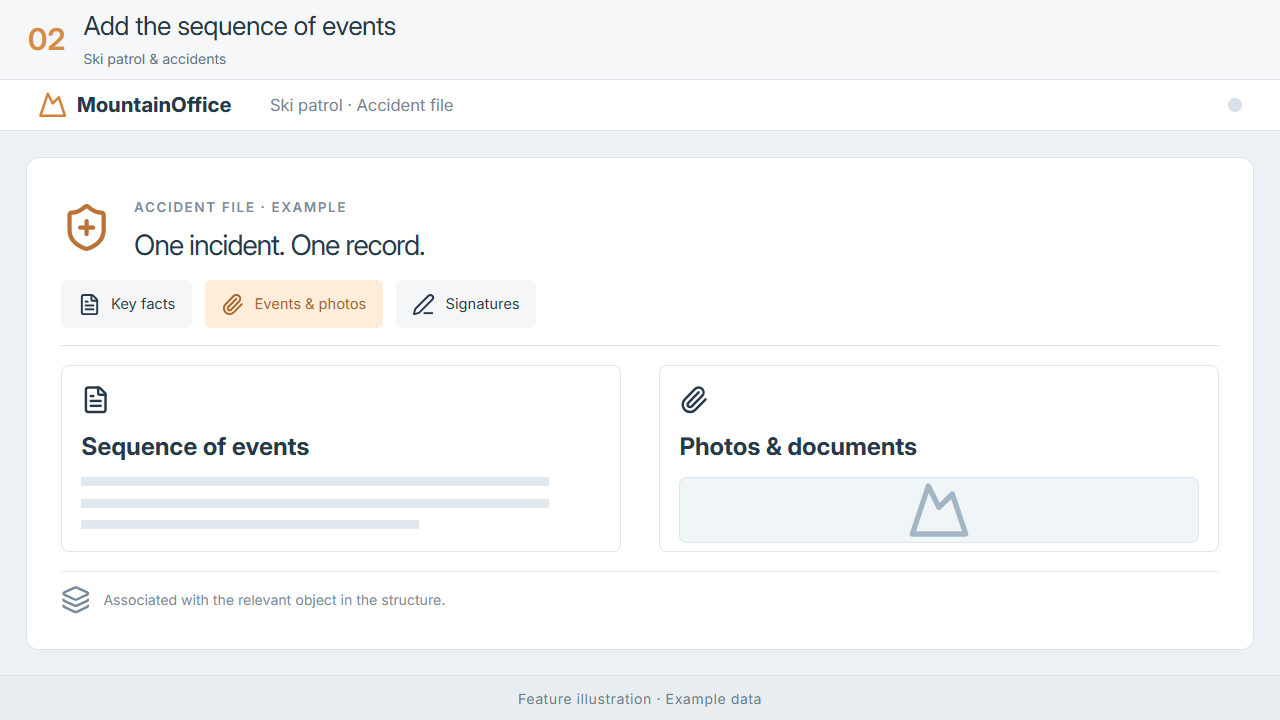
During follow-up, staff can find details, images and signatures together instead of searching separate repositories.
Explore the feature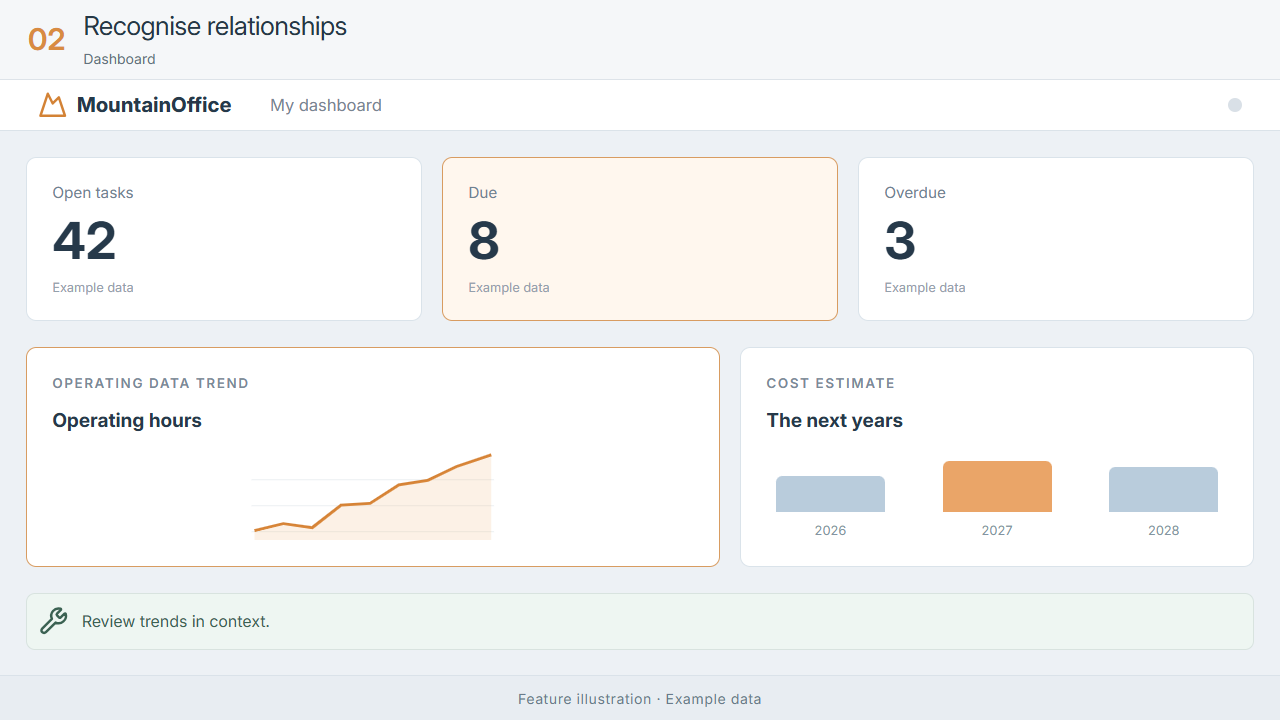
Recognise areas of outstanding work and ask specific questions without manually combining separate lists.
Explore the featureHOW MOUNTAINOFFICE WORKS
Explore how the areas work together in four steps. This illustrative workflow explains the software’s functions.
Top station · Drive · Main gearbox
GETTING STARTED TOGETHER
We get to know your operation, your processes and your goals.
Together we define data, responsibilities and the right scope.
Setup and training help your team use the software in practice.
We keep developing your solution with personal support.
FAQ
In a personal presentation, we review your operation’s size, use cases and requirements to identify the appropriate features.
MountainOffice offers browser access for tablets and smartphones. We discuss deployment and access based on your IT environment.
Yes. Projects include data structure, access rights and on-site or online training. We agree the scope and data migration individually.
You receive an individual quote covering your needs, including licences, modules, setup and support.
YOUR NEXT STEP
Show us what matters to your team. We will show you how the right software can help.